
Service & Auto Repair Easy: Work Orders, Parts and Supplier Ledger for Repair Shops, on Your Phone
Pds Mühendislik · Updated: 04.11.2026
Screenshots and videos
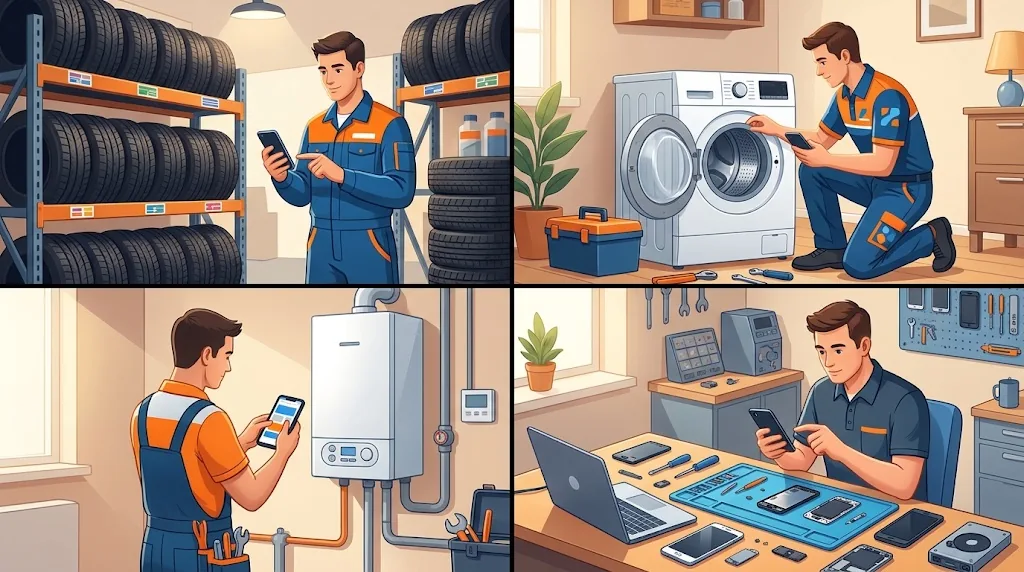
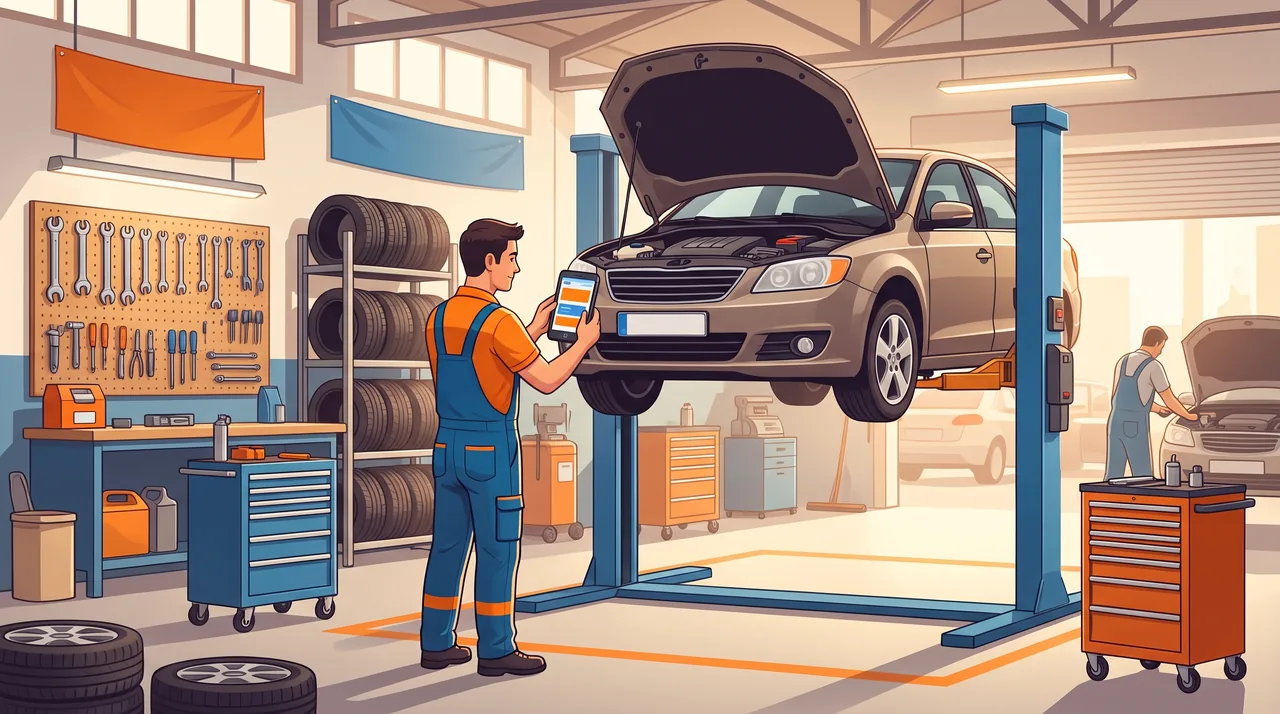
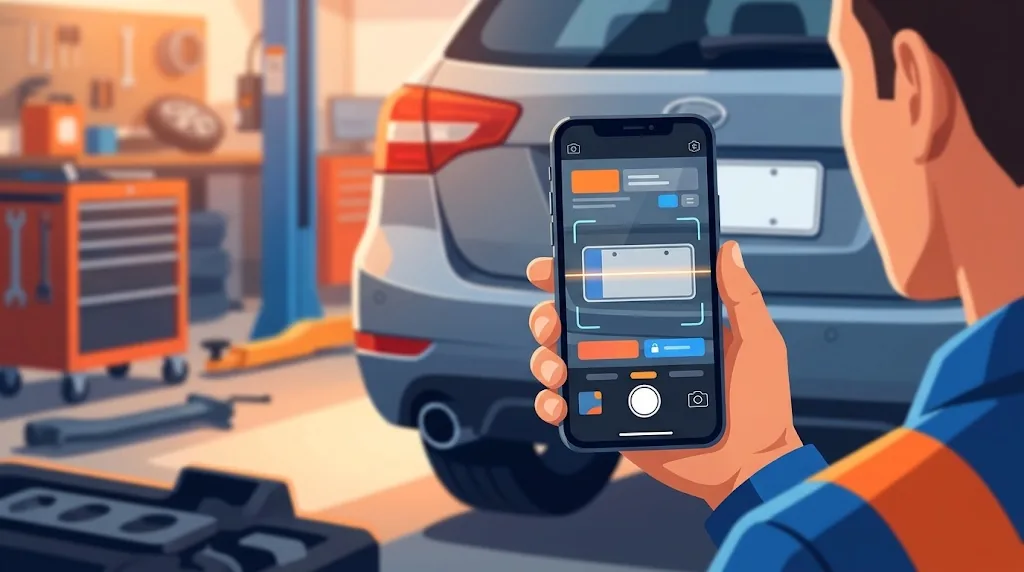
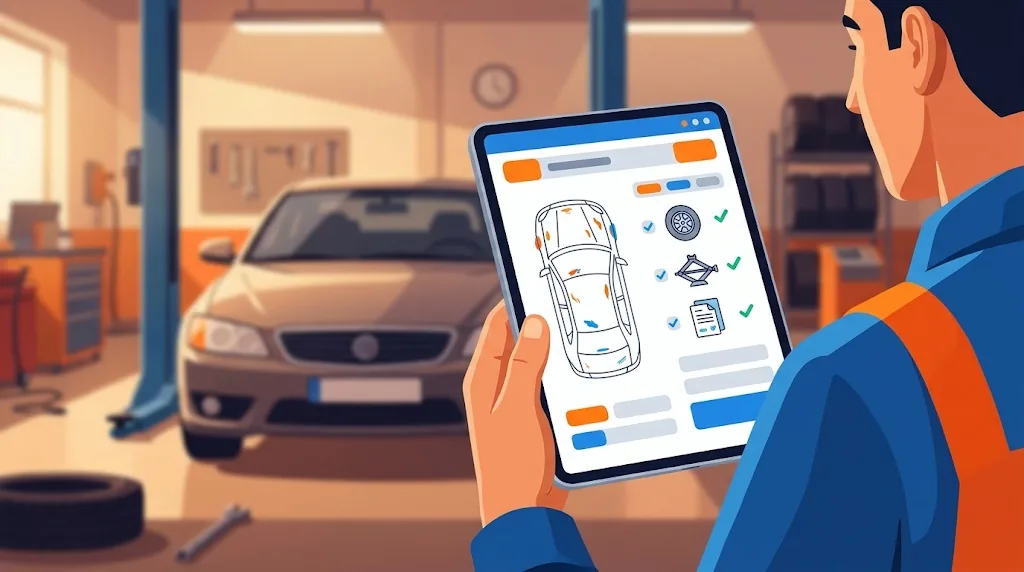
Illustrations of how the app is used
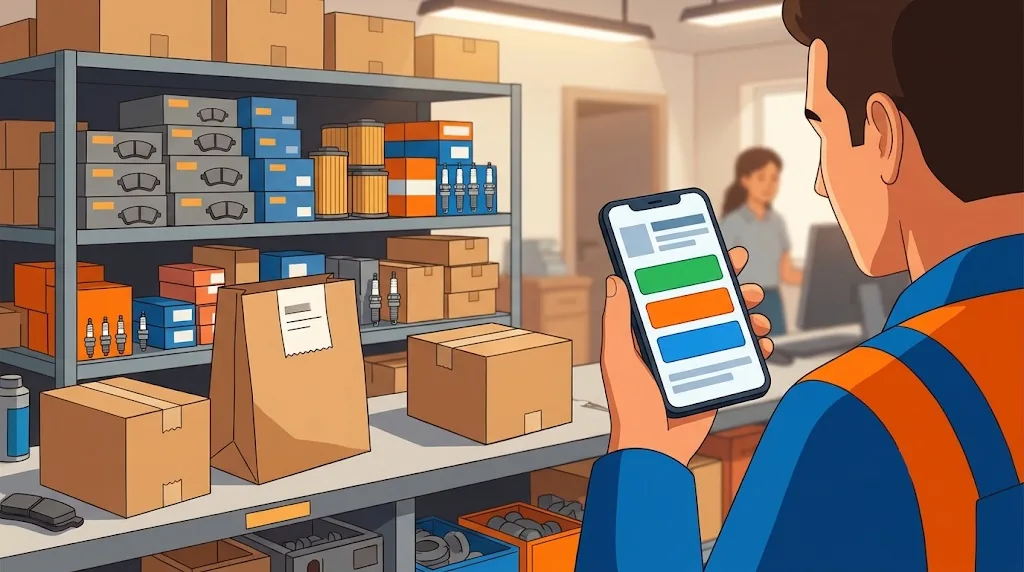

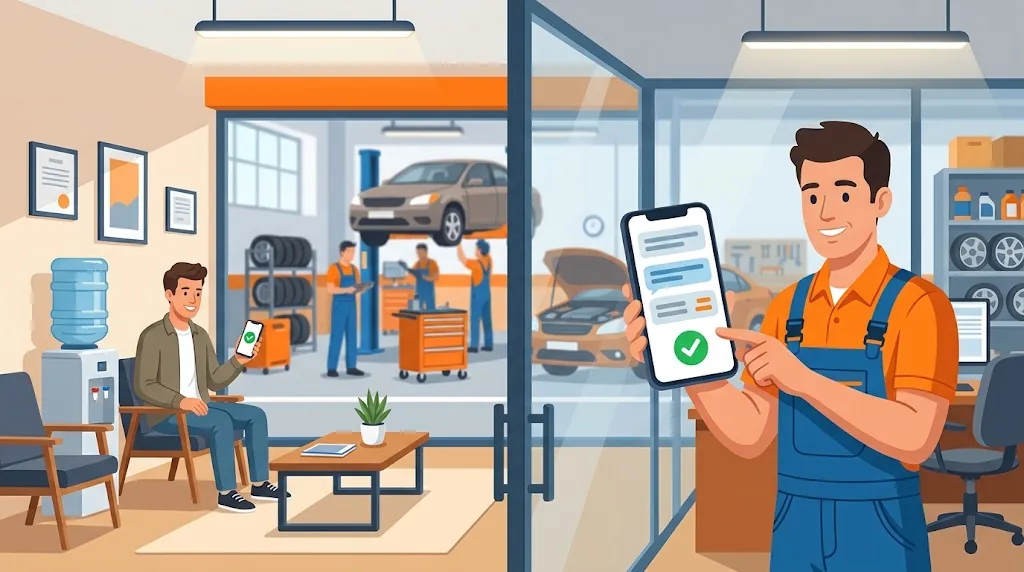
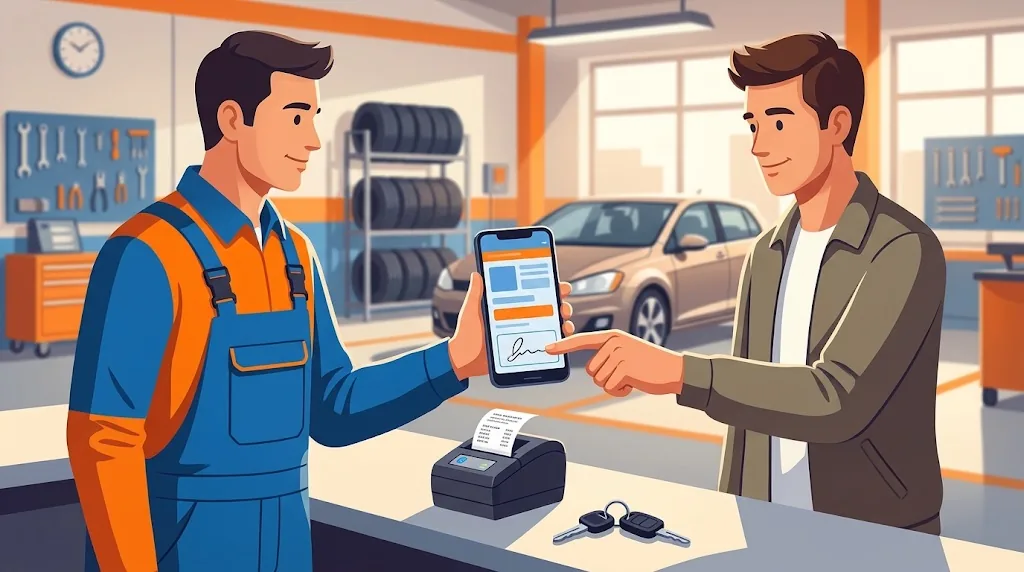
← Swipe to see more images →
These images are AI-generated illustrations for demonstration purposes; real app screens are shown below.
App screenshots
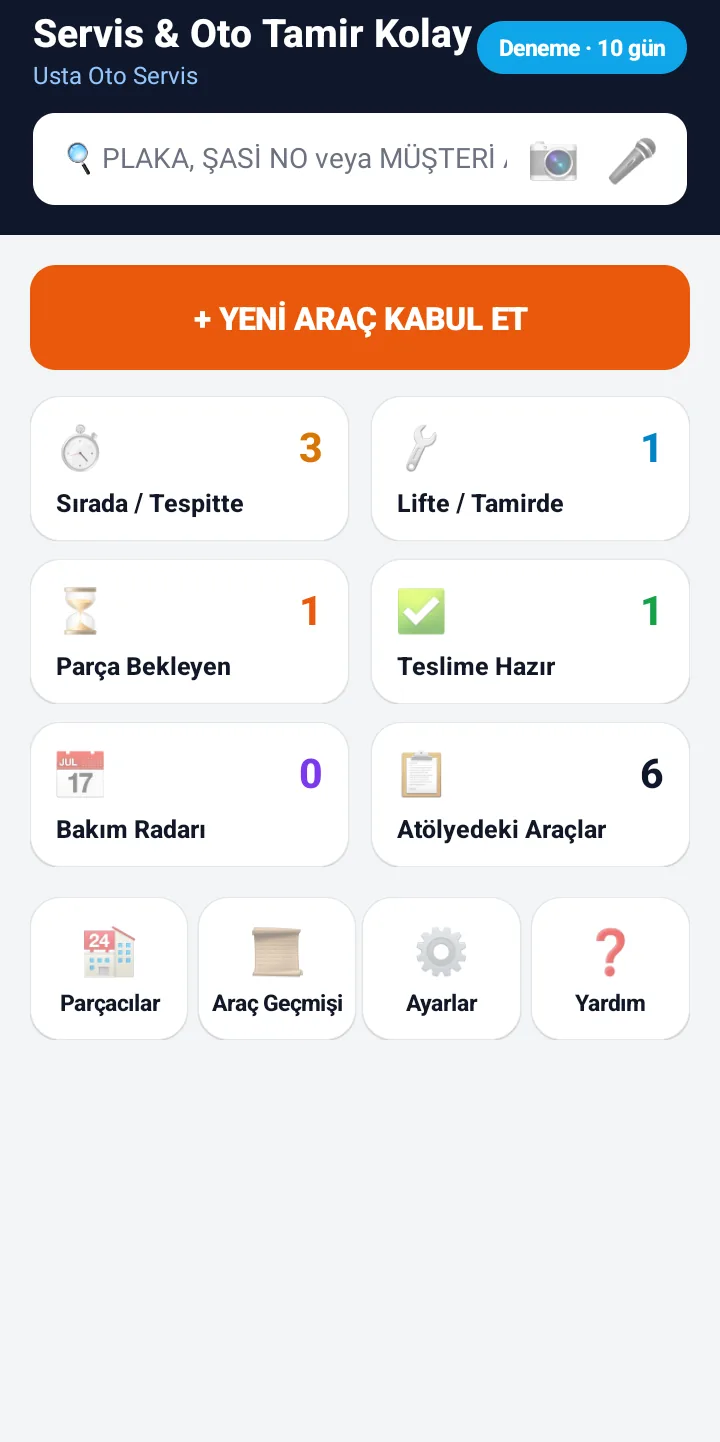
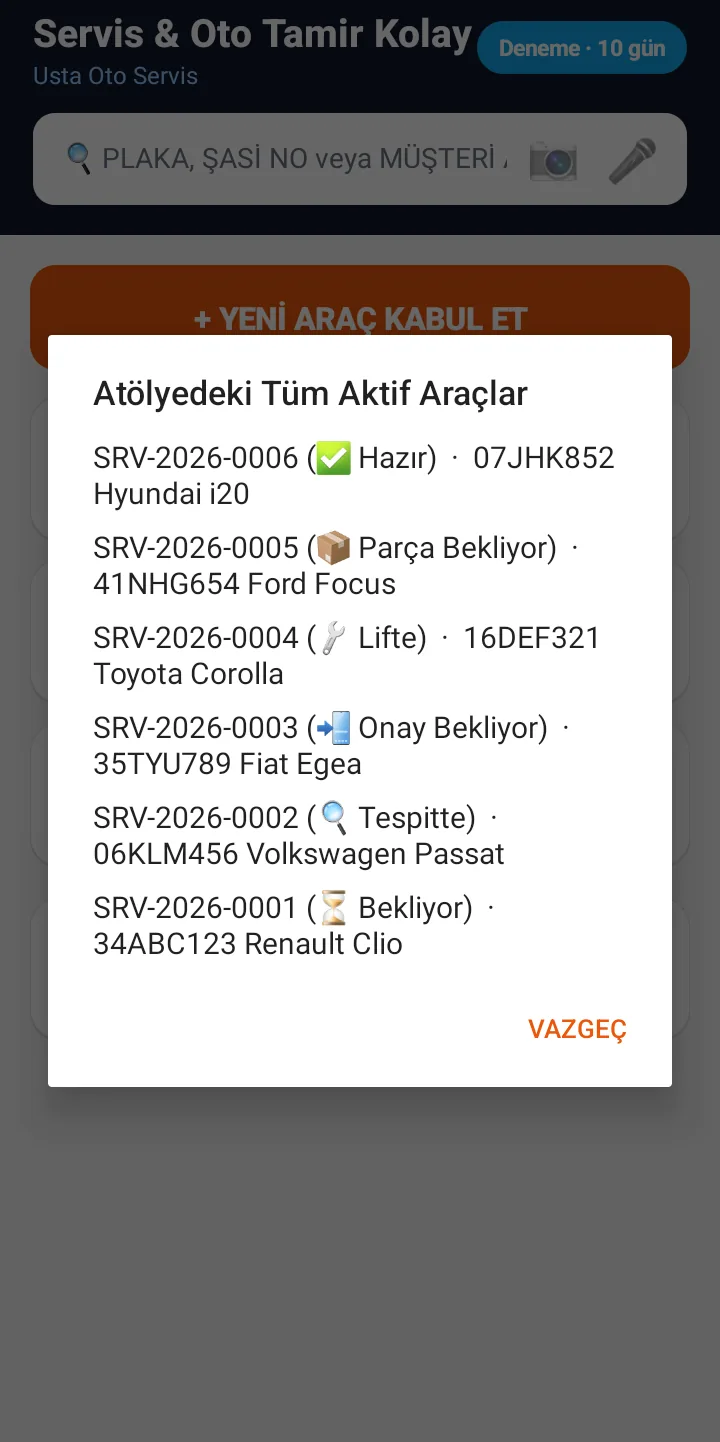
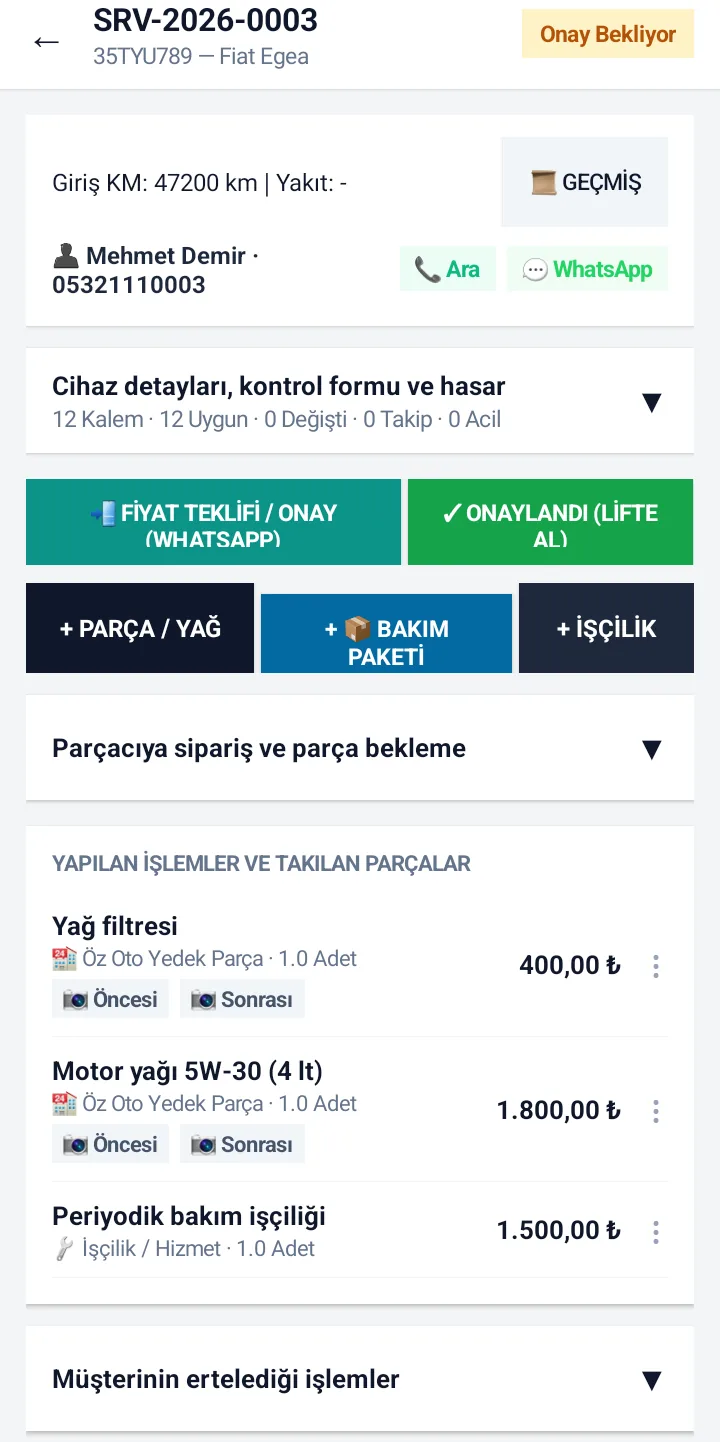
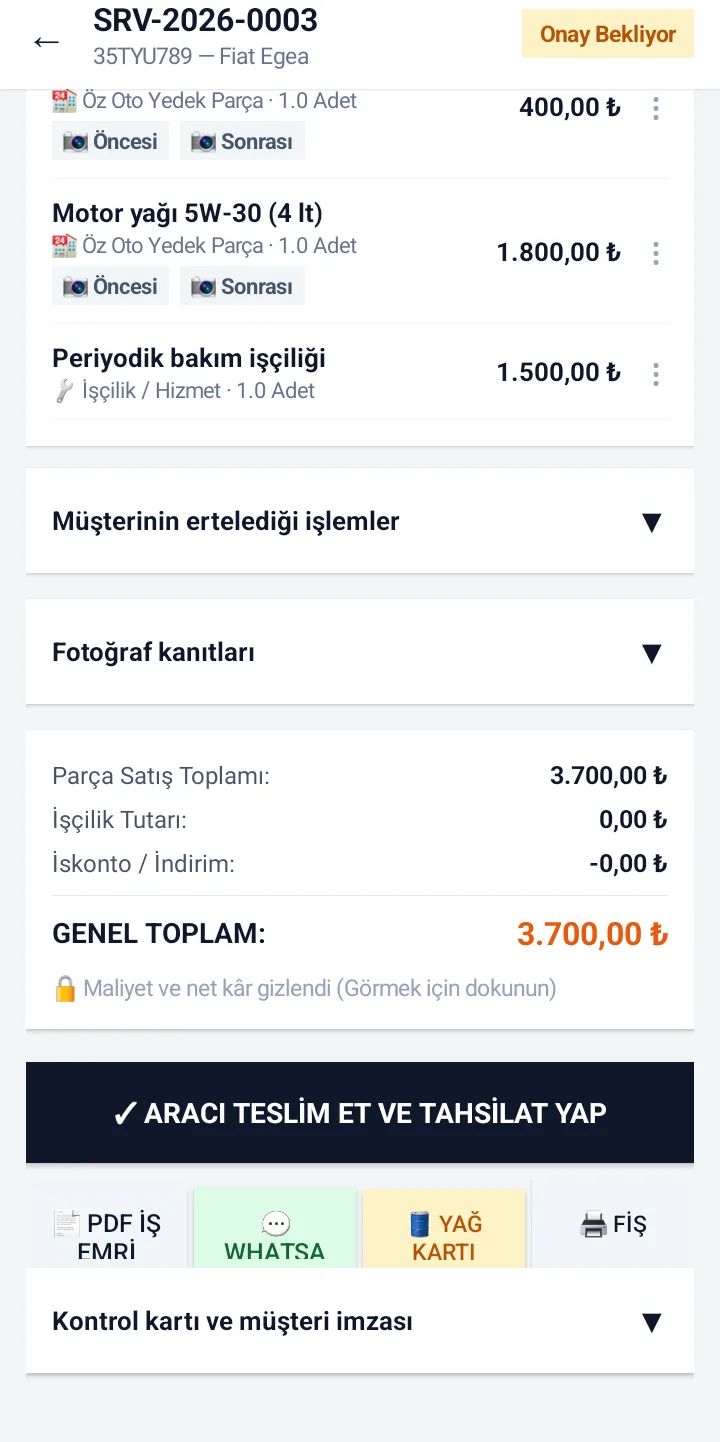
← Swipe to see more images →
Tanıtım ve kullanım videosu
Choose your trade (sector modes)
On first launch you pick your trade, and the screens adapt to it:
| Trade | What you get |
|---|---|
| Auto repair | Maintenance radar and mileage reminders, bodywork damage map, vehicle inventory (spare wheel, jack, documents). |
| Tire and rim | Tire hotel: storage records with shelf, quantity and season, and a notice by WhatsApp when sets are ready. |
| Appliance / boiler / air conditioner | Warranty calculation, service location (on site or in the workshop) and appointments. |
| Tech service (phone, computer, TV) | Accessories received, backup consent, hardware pre-checks. |
Intake and the work order
- Check in by plate, chassis number or serial number, with mileage, complaint and items handed over. You can dictate the complaint by voice and read the plate with the camera. Reading can be wrong: you check the plate on screen and correct it.
- Date-stamped photos at intake and during the job; in auto mode a bodywork damage map and an inventory checklist (spare wheel, jack, documents).
- A built-in suggestion library: more than 60 car brands and 500 models, common tire sizes, and common part and labour names. They are only suggestions; every field also accepts free text.
- A small camera window reads only inside the frame, so plate and chassis numbers read more clearly and the phone heats up less.
- The customer signs on the screen and the signature is added to the PDF work order.
Parts: three sources
| Source | What happens |
|---|---|
| Own stock | The part is deducted from your stock. |
| Supplier (credit account or paid) | The purchase is written to that supplier's debt ledger; you record payments and share a statement. |
| Brought by the customer | Price 0, with a note that it is outside your warranty. |
Parts waiting for delivery are kept in a separate list, and you can prepare an order message to the supplier on WhatsApp.
Quote, approval and hand-over
- Send the findings and the price as a WhatsApp message. The app prepares the message and you send it. When the customer agrees you mark the job "Approved"; jobs the customer postpones or refuses are recorded separately, which protects you later.
- At hand-over you record cash, card, bank transfer or customer credit (a debt per customer). The amounts are frozen at hand-over, the signature is added to the PDF work order, and a Bluetooth thermal receipt can be printed.
- The vehicle-ready notice and maintenance reminders can be prepared as WhatsApp messages as well.
Vehicle and device history
Type or scan a plate or serial number and the app lists the earlier jobs in your shop, the parts fitted and the dates. This is your shop's own record history, not an official vehicle query.
Privacy while the customer is next to you
- While the customer is beside you, the supplier name, purchase cost and net profit are hidden on screen; "Show cost" reveals them for ten seconds.
- PDFs and messages that go to the customer never contain the supplier, cost or profit.
- Note: there are no separate user accounts or permission levels; whoever you hand the phone to can see all records.
Backup, export and working offline
- Recording jobs, parts and payments works without internet; the data stays on your phone.
- Back up to a file and restore on a new phone, or back up to your own Google Drive account (manual or automatic, with restore from Drive).
- Work orders and cash movements export to Excel/CSV.
- Internet is needed for the first licence or trial check, for refreshing the licence now and then (a licensed device keeps working offline for up to 30 days; during the trial it is 3 days), for Drive backup, updates and WhatsApp sharing.
What it does not do (limits)
- It does not issue e-invoices, e-archive documents or fiscal receipts and does not replace a cash register; the receipts and PDFs say they are not fiscal documents. Ask your accountant about legal obligations.
- There are no user roles: whoever opens the app sees all records.
- Plate and serial number reading depends on light and angle and can be wrong; you always check it.
- Messages are not sent automatically: the WhatsApp message opens ready and you press send.
- It runs only on Android 12 or later; there is no iOS version.
Price, trial and licence
A per-device perpetual licence costs 29 USD + VAT, with no subscription. Every feature can be tried free for 10 days; after the trial no new work orders can be opened, but you can still view your existing records and reports. The licence key is entered in the app. The app interface is available in Turkish and English; Turkish is the primary support language.
Frequently asked questions
Do I need a computer to keep work orders?
No. The app runs only on an Android 12 or later phone. Work orders, parts, the supplier ledger, photos and signatures are kept on the phone, and it works without internet.
Can I see a vehicle's history from its plate?
Yes, for jobs you opened in your own shop: type or scan the plate and earlier jobs, fitted parts and dates are listed. It is your shop's own record, not an official vehicle history query.
Does the customer approve the price on WhatsApp?
The app prepares the price quote as a WhatsApp message and you send it. When the customer agrees you mark the job as approved; the customer does not press an approval button in the app. Postponed or refused jobs are recorded separately.
Can I track parts bought from a supplier on credit?
Yes. When you add a part, choose the supplier as the source; the purchase amount is written to that supplier's debt ledger. As you pay, the balance falls, and you can share a statement whenever you like.
Can my apprentice see my costs and profit?
While the customer is beside you, supplier names and costs are hidden and "Show cost" opens them for ten seconds. But there are no separate user accounts: whoever you give the phone to can see all records.
Is there tire storage (tire hotel) tracking?
Yes. In tire mode tick "Tire hotel" at intake to open a storage record with shelf, quantity and season in the customer's name; from the dashboard you can see the sets in storage, hand them over or notify the customer on WhatsApp.
Can it be used for appliance, boiler and phone repair, not only cars?
Yes. On first launch you choose auto, tire, appliance/boiler or tech service. The appliance mode adds warranty calculation, service location and appointments; the tech mode adds accessories, backup consent and hardware checks.
Does it work without internet?
Yes. You record jobs, parts and payments offline; the data stays on your phone. Internet is needed for the first licence or trial check, for refreshing the licence about every 30 days, for Drive backup, updates and WhatsApp sharing. A licensed device keeps working offline for up to 30 days; during the trial it is 3 days.
Does it replace an invoice, e-invoice or fiscal receipt?
No. It is a work-order and tracking app; it does not issue e-invoices or e-archive documents and does not replace a cash register. Its PDFs and receipts state that they are not fiscal documents. Ask your accountant about legal obligations.
How much does it cost, and can I try it first?
A per-device perpetual licence costs 29 USD + VAT with no subscription. You try every feature free for 10 days; after the trial no new work orders can be opened, but existing records and reports stay viewable.
Where do I get it, is it on Google Play?
Google Play is coming soon. For now download the officially signed APK from the Downloads page of kucukis.com, allow installs from this source and install it (Android 12 or later, 64-bit). Updates arrive inside the app.